





 Blog
Blog Free tools
 Help center



The best Shopify apps to increase sales are the ones that fix your weakest number. For low conversion, install an AI sales agent such as Chatty, Tidio or Rep AI. For abandoned carts, use Shopify Messaging or Klaviyo, and for small orders, try Fast Bundle or Bundler.
If buyers don't come back, add a loyalty app such as Smile or Rivo. To choose, read your conversion rate, cart abandonment, average order value and returning customer rate in Shopify Analytics.
Most stores do it the other way round: they install apps from a list and can't say later which app moved anything. This guide reverses that order, comparing nine apps head to head and naming the app type to skip for each weak number.
- Fix your weakest number first
Check conversion rate, cart abandonment, average order value and returning customer rate in Shopify Analytics, then pick one app for the weakest.
- Low conversion rate:
install an AI sales agent such as Chatty, Tidio Lyro or Rep AI to answer shoppers and add to cart.
- High cart abandonment:
install a recovery flow with Shopify Messaging or Klaviyo, after you show shipping costs early.
- Low order value or few repeat buyers:
add Fast Bundle or Bundler for a second item, or Smile or Rivo for a second order.
- Skip the app that can't fix your number yet
Bundles can't help shoppers who leave before adding to cart, and discount popups don't fix late shipping costs.
The 4 numbers in Shopify Analytics that tell you which app to install
Which app should you install first? Four numbers in Shopify Analytics answer that question, each pointing to an app type that moves it and one that can wait.
Here's where to find each number and when it counts as weak:
| Number | Where to find it in Shopify admin | Weak if | Install first | Can wait |
|---|---|---|---|---|
| Conversion rate | Analytics > Overview, and Analytics > Reports > Conversion rate breakdown | Below 1.4% (Littledata median) | AI sales agent on product pages | Bundle and upsell app |
| Cart abandonment | Conversion rate breakdown, plus Orders > Abandoned checkouts | Above 70% (Baymard average: 70.22%) | Cart recovery email and SMS | Discount popup app |
| Average order value | Analytics > Overview, and Analytics > Reports > Orders over time | Close to the price of one best-selling item | Bundle and quantity break app | Post-purchase upsell funnel |
| Returning customer rate | Analytics > Overview, and Analytics > Reports > Returning customers | Below 20% (Shopify: "most stores display 20-40%") | Loyalty and rewards app | Subscription app |
A table is only as good as the numbers you feed it, though. Three habits keep your reading fair:
- Use 90 days of data, because one promotion week skews everything.
- Filter to human traffic, since Shopify notes that bot sessions push conversion rate down.
- Watch late September 2026. Shopify changed session measurement on 21 to 23 September, so a jump that week may not be shoppers.
Before you pay for anything, fix the free things first by showing shipping costs early and allowing guest checkout. Our conversion rate guide covers more fixes like these. Every app rating and price below was read on the Shopify App Store on 27 October 2026.
Once you know which number sits furthest below its benchmark, go straight to that section. The sections follow the order shoppers move through your store, starting with the product page.
Conversion rate below 1.4%: install an AI sales agent
The product page comes first because every later number depends on it. If conversion is low while product pages stay busy and the same questions repeat, shoppers are leaving without answers.
An AI sales agent fixes that when it answers from your product data and adds the right item to the cart. Three apps on the Shopify App Store do this job, and they differ mostly in what they charge for:
| App | Rating (reviews) | Free plan | First paid plan | Charges by | Fits |
|---|---|---|---|---|---|
| Chatty AI Sales Agent | 4.9 (1,890) | 50 AI conversations a month | Basic $19.99/month, 100 AI conversations, $0.40 per extra | AI conversations | Shopify stores whose shoppers ask product questions before buying |
| Tidio (Lyro AI) | 4.8 (1,360) | Live chat for 50 users | Lyro AI $39/month for up to 200 conversations | Modules and AI conversations | Stores that also want a visual flow builder and live chat |
| Rep AI | 4.5 (123) | 100 visitors a month, up to 100 products | Starter $104/month for up to 10,000 visitors | Visitors | Higher-traffic stores that want proactive AI on every visit |
The pricing unit matters more than the headline price, because it decides what your bill follows as you grow. Here are the three apps one by one, plus the app type to leave for later:
Chatty AI Sales Agent: for stores whose shoppers ask before they buy
Chatty is the AI sales agent for Shopify stores. AI chatbot and live chat are two standout features of Chatty. The AI chatbot answers from your own Shopify data, and with live chat your team takes over from the AI and closes the sale.
In practice, Chatty works like your best salesperson on every product page. Here's what it does for a shopper with a question:
- Answers from your store's data: products, prices, stock, discounts and shipping.
- Recommends the right product when the shopper describes what they need.
- Adds the item to the cart and sends the checkout link in the conversation.
- Hands the conversation to your team when the AI isn't sure.
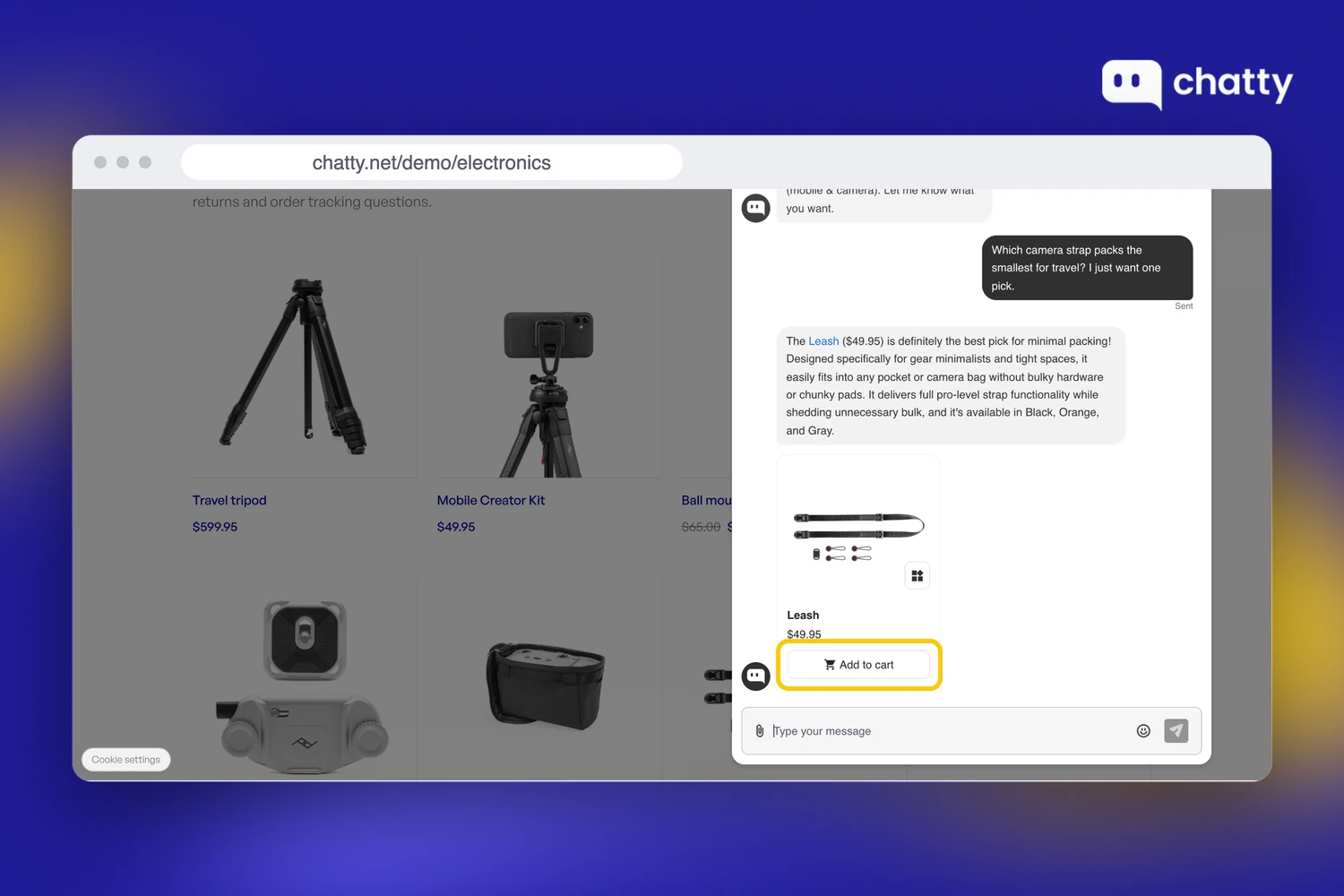
Two of those sales moves sit on higher plans, so check them before you choose. Proactive messages and abandoned cart recovery are on the Pro ($68.99) and Plus ($199) plans only.
Accuracy matters when the AI is answering price and stock questions. 92% of product answers were right on price, stock and details when we compared 300 real Chatty answers with each store's website in October 2026.
6,200+ stores have made sales with Chatty. Chatty marks every order it assisted in Shopify, so you can check the return yourself. Three published results show what that looks like, all single-store results, not averages:
- High Tech Pet: 16.6% of buying conversations became orders, with 109 orders closed by the AI in its first 10 weeks.
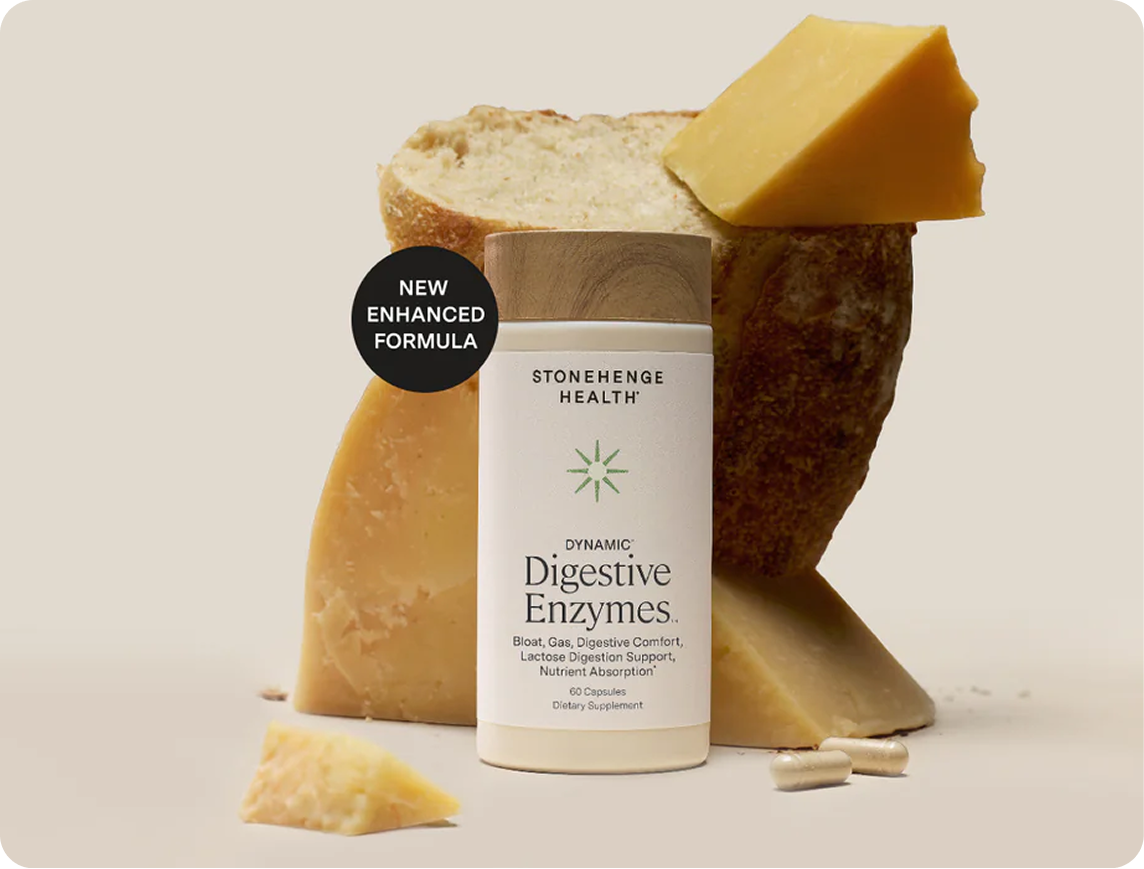
- Stonehenge Health: 11.36% of chats converted to orders, with $75K in assisted revenue over 7 months.
- Montana West: an 11.9% chat-to-sales rate and $40K in assisted revenue from July to December 2025.
Tidio (Lyro AI): for stores that want flows and live chat in one tool
Tidio fits stores that want flows, live chat and AI in one tool. Its Lyro AI can suggest products in the chat and see what shoppers have in their carts. Tidio also says it can show its sales contribution in its analytics.
On the App Store, Tidio sells in modules, with Customer Service and Flows as separate $29 modules next to the Lyro AI plan. The Lyro plan includes native Shopify actions and a 7-day free trial. Our Chatty vs Tidio comparison goes deeper on the differences.
Rep AI: for higher-traffic stores that want proactive AI
Rep AI fits stores with steady, high traffic, because it starts conversations proactively and its price follows visitors. That makes the cost predictable per visit. However, the bill also rises with every traffic spike, including paid campaigns.
Extra visitors cost $12 per 1,000 on every plan. Paid plans add AI product recommendations and come with a 14-day free trial.
Not yet: bundle and upsell apps
Bundle and upsell apps can wait while conversion is the weak number. The problem is that a "buy two, save 10%" offer only reaches shoppers who already decided to buy. When shoppers leave before adding to cart, it reaches almost nobody.
Come back to bundles once your add-to-cart rate is close to your category median. At that point more people see the offer, and the same app earns its fee.
So what happens when shoppers do add to cart and still don't pay? That's the next number.
Cart abandonment above 70%: install cart recovery email and SMS
Cart abandonment is the step after the product page: the shopper chose an item, then left at the cart or checkout. If you've already shown costs early and allowed guest checkout, the shoppers who still leave need a reminder. A cart recovery app sends them a link back to the cart they left.
Treat the 70% line as a guide, since Baymard averages published studies rather than Shopify sessions, and track your own trend too. Two apps cover most stores, and the choice comes down to how much email you plan to run:
| App | Rating (reviews) | Free plan | First paid plan | Fits |
|---|---|---|---|---|
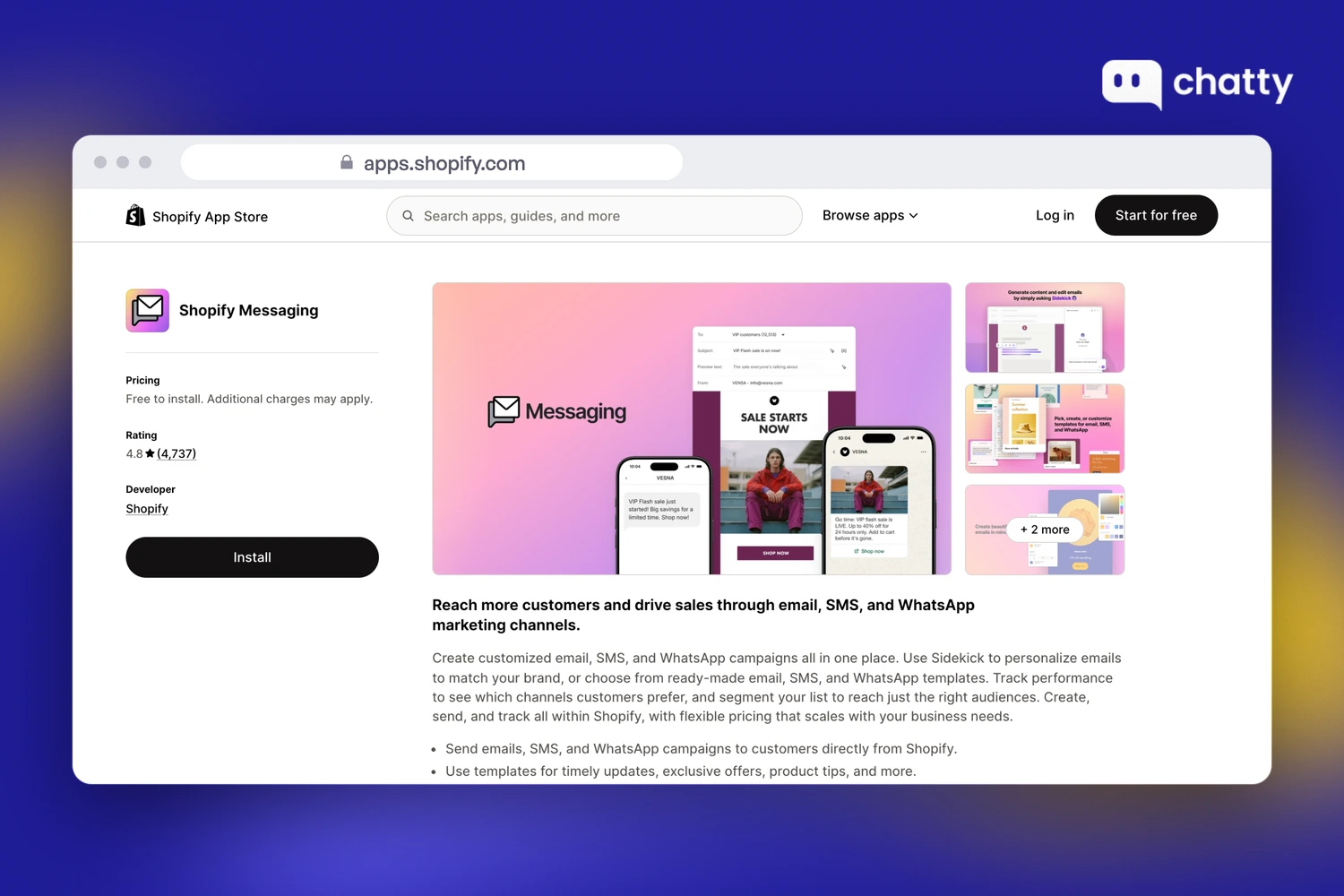
| Shopify Messaging | 4.8 (4,737) | First 10,000 emails a month, then $1 per 1,000 | Usage based | Stores that want recovery inside Shopify admin |
| Klaviyo | 4.7 (3,413) | 250 active profiles, 500 emails a month | Email from $20/month, SMS from $15/month | Stores ready to run email and SMS as a main channel |
Each app below gets one short profile, and the section ends with the app type to hold off on:
Shopify Messaging: the cheaper start inside Shopify admin
Shopify Messaging fits stores that want recovery emails without adding another tool. Shopify's automation guide includes a "Recover abandoned checkout" template. That means abandoned checkout emails don't count towards your sent emails, while SMS and WhatsApp versions are charged.
Klaviyo: for stores that run email and SMS as a main channel
Klaviyo fits stores that segment their list and run several flows. It costs more as your list grows, but it gives you more control over timing and content. Omnisend (4.7, 3,197 reviews, Standard from $16) is the common alternative.
With either app, start with one abandoned checkout flow of three messages. Judge it by recovered orders rather than open rate.
Not yet: a discount popup app
A discount popup app can wait while cart abandonment is your weak number. A 10% popup doesn't fix the top reason in Baymard's list, which is extra costs shown late. Worse, it teaches shoppers to wait for a code.
The popup also costs margin on orders that would have closed anyway. For that reason, add one only if abandonment stays high after the free fixes. Our guide on how to reduce cart abandonment lists them for peak season.
Recovery brings back the orders you were losing. The next question is how much each of those orders is worth.
Average order value close to one item: install a bundle app
Average order value comes next because it multiplies every order the first two sections helped you win. An AOV within a few dollars of your best-selling item means shoppers buy one thing and stop. A bundle or quantity break app gives them a reason to add a second item.
Two well-rated apps cover most cases, split by whether you sell sets or single products:
| App | Rating (reviews) | Free plan | First paid plan | Fits |
|---|---|---|---|---|
| Fast Bundle | 5.0 (3,600) | Development stores only | $19/month up to $1,000 of bundle sales, $49 up to $3,000 | Stores that sell sets, kits or mix and match |
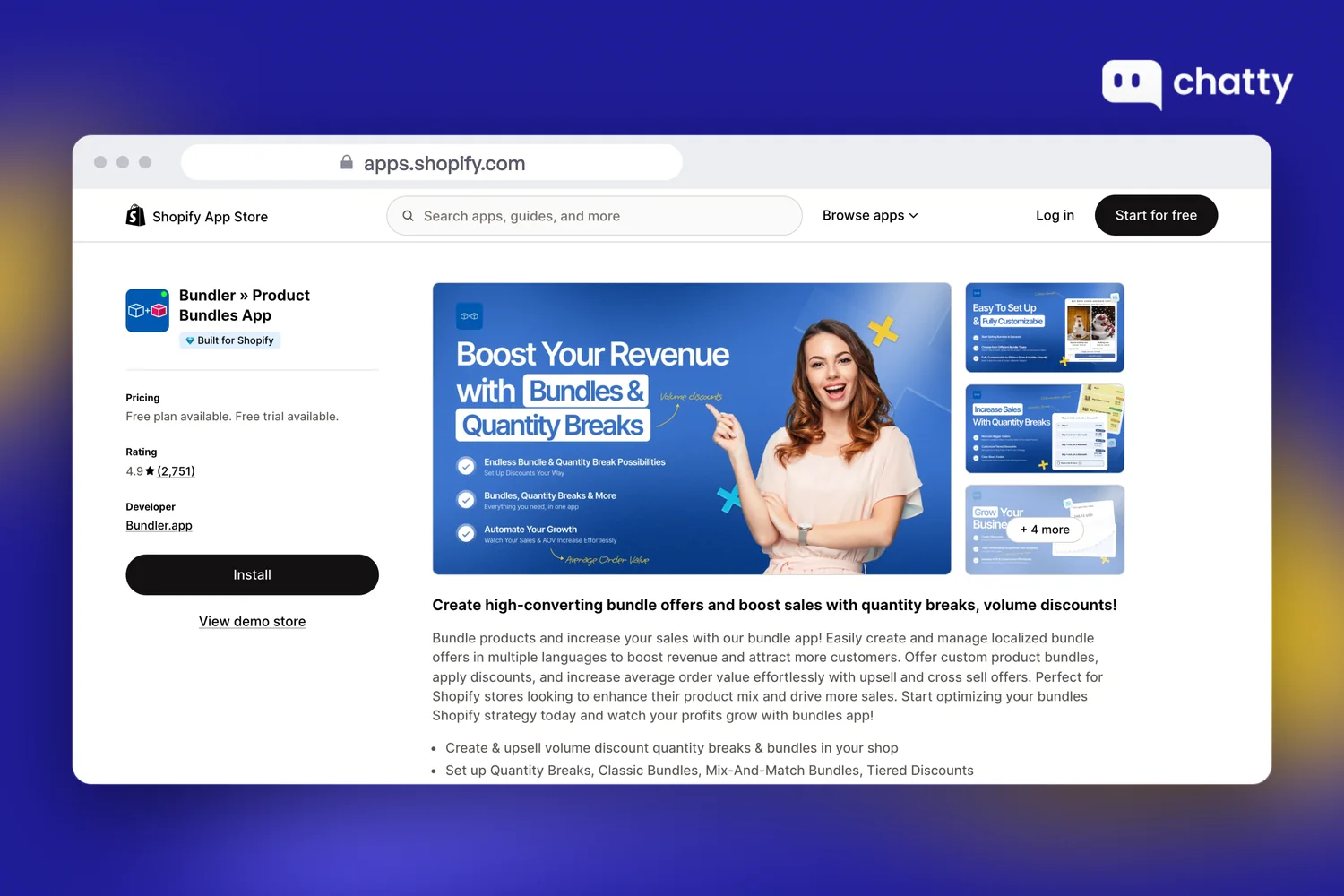
| Bundler | 4.9 (2,751) | Volume discounts, quantity breaks and buy X get Y, no revenue cap | Premium $9.99/month for mix and match | Consumables and single-product stores |
The two profiles below explain the split, and a post-purchase funnel comes last as the one to hold off on:
Fast Bundle: for stores that sell sets and kits
Fast Bundle fits stores with natural sets, such as a skincare routine or a camera kit. A set turns one product into several in a single add to cart. Its price grows with bundle revenue, so check the next tier before your busy season.
Bundler: for consumables and single-product stores
Bundler fits stores where "buy two, save 10%" is the obvious offer, like supplements or socks. That offer raises units per order on the product shoppers already chose. Its free plan covers quantity breaks with no revenue cap, which makes it a low-risk first test.
Either way, put one offer on your top three product pages. Then measure AOV and units per order for 30 days before you add more.
Not yet: a post-purchase upsell funnel
A post-purchase upsell funnel can wait until bundles work. A one-click offer after checkout adds a second order, but it doesn't change what shoppers put in the first cart.
Funnel apps such as ReConvert suit stores with steady order volume. Even so, add one after your bundle offer has lifted AOV.
A bigger first order is good, but a second order from the same buyer is better. That's the last number.
Returning customer rate below 20%: install a loyalty app
Returning customer rate closes the loop, because it decides whether the buyers you won come back without new ad spend. A low rate, for a product people could rebuy, means most buyers order once and stop. A loyalty and rewards app gives them a reason to place a second order.
Two apps with free plans cover most small stores, split by how soon you want VIP tiers:
| App | Rating (reviews) | Free plan | First paid plan | Fits |
|---|---|---|---|---|
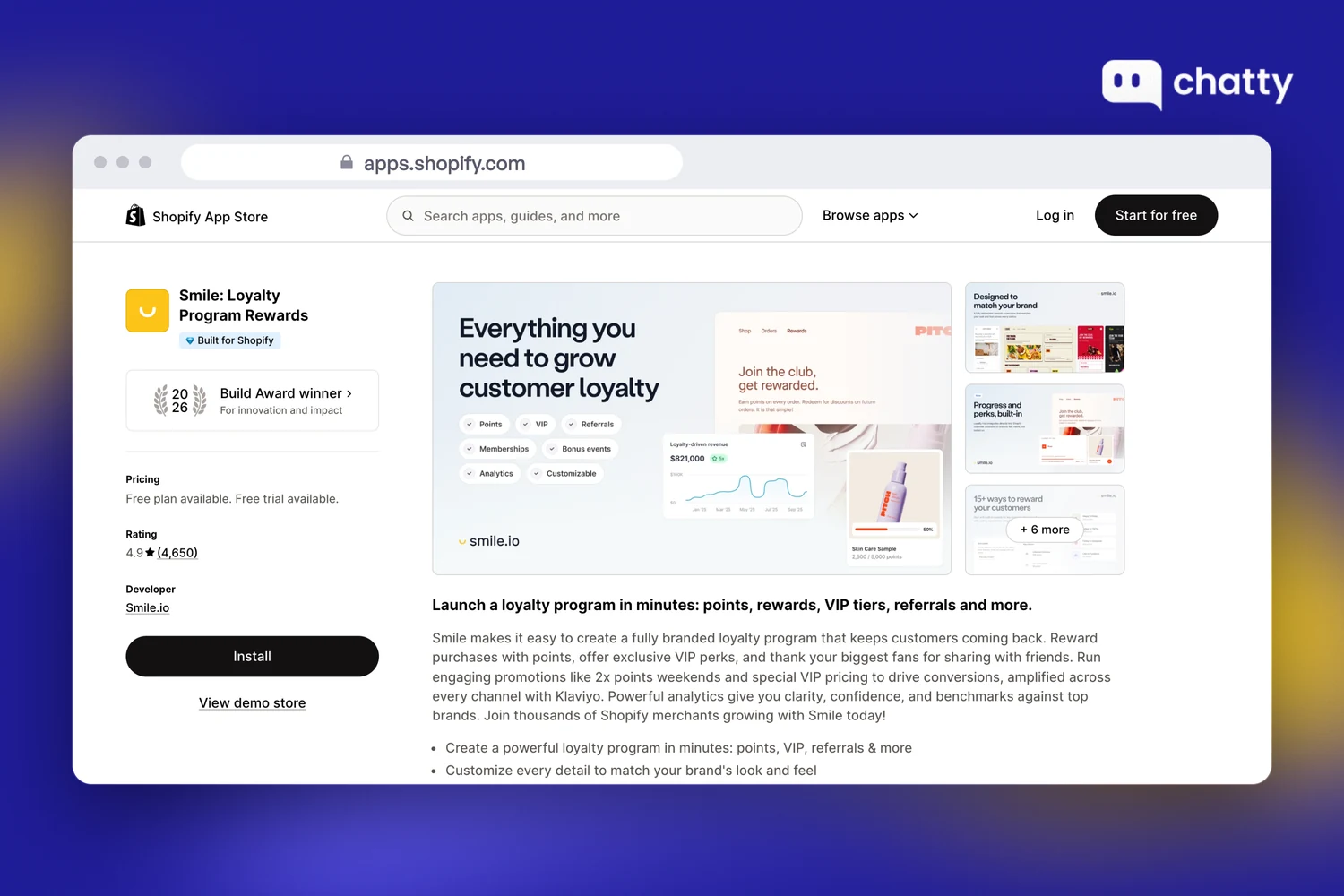
| Smile | 4.9 (4,650) | Points, rewards and referrals up to 200 monthly orders | Essential $15/month up to 500 monthly orders | Stores starting a simple points program |
| Rivo | 4.7 (1,441) | Points program up to 200 monthly orders | Essential $15/month, Scale $49/month with VIP tiers | Stores that want VIP tiers early |
Two short profiles follow, then the one app type that can wait:
Smile: for stores starting a simple points program
Smile fits stores that want points running in an afternoon. Points give a first-time buyer something to spend on the next order.
Rivo: for stores that want VIP tiers early
Rivo fits stores that want VIP tiers sooner, priced by order volume. Tiers reward the customers who already came back and give them a reason to keep going. Larger stores often look at LoyaltyLion, whose paid plan starts at $199 a month.
With either app, reward the second order directly, for example with points that unlock on the next purchase. Then track returning customer rate for the shoppers who joined.
Not yet: a subscription app
A subscription app can wait unless you sell something people reorder on a schedule, such as coffee, supplements or pet food.
For most other products, a subscription app adds setup work and a monthly fee for a buying habit your shoppers don't have. A loyalty program, by contrast, brings them back without asking them to commit.
Each section so far assumes one number is clearly the weakest. But what if two of them look weak at once?
When two numbers are weak, put a dollar figure on each gap
When two numbers are weak, fix the one whose gap is worth more money. Monthly revenue equals sessions times conversion rate times average order value, so you can price each gap.
Take an example store with illustrative numbers: 20,000 sessions a month, a 1.0% conversion rate and a $60 AOV. That store makes 200 orders and $12,000 a month, and the two gaps price out like this:
- Conversion up to the median: 280 orders at $60 makes $16,800, which is $4,800 more each month.
- AOV up 20% to $72: 200 orders at $72 makes $14,400, which is $2,400 more each month.
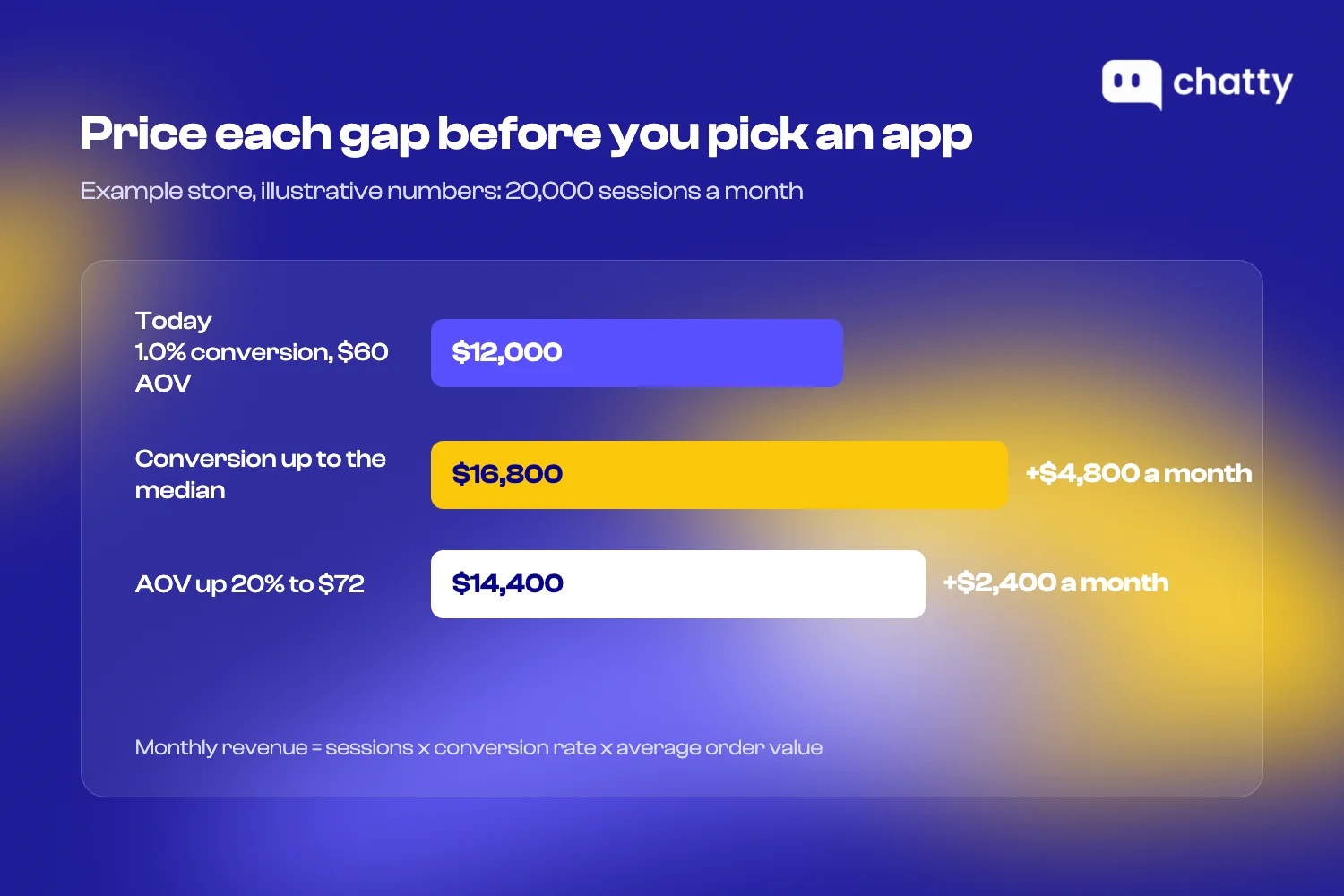
In this example the conversion gap is worth twice as much, so the AI sales agent comes first. Left alone for three months, that gap costs the store $14,400.
Your own numbers can flip that result. A store already converting well above the median with a low AOV will often get more from bundles.
Either way, install one app type at a time and give it 30 days. Then read the four numbers again and pick the next one.
Pick Shopify apps to increase sales by the number you can see
The whole method takes an afternoon. Read your four numbers in Shopify Analytics and find the one furthest below benchmark. Then install one app type for it, and skip the app type that can't fix it yet.
After that, measure for 30 days and read the four numbers again. That habit beats any list, including this one.
If your weakest number is conversion and your product pages already get traffic, start there. Install Chatty free on the Free plan and let it recommend and add to cart on your product pages. Then check the orders it marks in Shopify.
Frequently asked questions
The most popular Shopify apps for increasing sales fall into four groups. Chatty, Tidio and Rep AI raise conversion, and Shopify Messaging and Klaviyo recover carts. Fast Bundle and Bundler raise order value, while Smile and Rivo bring buyers back.
Shopify Analytics is the first tool, and it's free. Read conversion rate, cart abandonment, average order value and returning customer rate. Then add one app for the weakest number: an AI sales agent, a recovery flow, a bundle app or a loyalty program.
The best Shopify marketing tools for a small store are the free ones you'll actually use. Shopify Messaging covers recovery emails, Bundler covers quantity breaks, and Smile covers points. Upgrade to paid sales apps only when a free plan moves its number.
Pick the one number the app should move, and record it for 30 days before you install. Compare the same 30 days after, using the same Shopify report. Prefer apps that mark the orders they influenced, so you can check them in Shopify admin.
Some do. Shopify lists installed apps among the biggest factors in store speed, and uninstalling an app doesn't always remove its code. Remove apps that don't earn their place, and ask the developer to clean up leftover code.