





 Blog
 Free tools
 Help center




To run and grow a Shopify store, you need to manage these jobs well:
- Getting more orders from the same traffic
- Making each order bigger
- Earning shoppers' trust
- Turning buyers into repeat buyers
- Cutting manual work
This list of essential Shopify apps gives you an app choice for each job.
The table shows the 13 recommended Shopify apps, from Chatty to Matrixify, grouped by job. Each app does a different job and is rated 4.7 or higher on its Shopify App Store listing. Every price was checked on those listings on November 2, 2026.
| App | Job | Free plan | Paid from |
|---|---|---|---|
| Chatty AI Sales Agent | More orders from the same traffic | 50 AI conversations a month | $19.99/month |
| PageFly | More orders from the same traffic | 1 published page or section | $24/month |
| ReConvert (now Upsell.com) | Bigger orders | Up to 50 orders or $50 upsell revenue | $9.99/month |
| Hextom: Free Shipping Bar | Bigger orders | Yes | $9.99/month |
| Judge.me | More trust | Unlimited reviews | $15/month |
| Parcel Panel (now CWILL Order Tracking) | More trust | 20 orders a month | $11/month |
| Return Prime | More trust | 5 return requests | $19.99/month |
| Klaviyo | More repeat buyers | 250 active profiles | $20/month |
| Omnisend | More repeat buyers | 250 contacts | $16/month |
| Joy Loyalty | More repeat buyers | 250 monthly orders | $29/month |
| Recharge | More repeat buyers | No | $25/month |
| Shopify Flow | Less manual work | Free app | Free |
| Matrixify | Less manual work | Demo, 10 items per file | $20/month |
- Install first: Klaviyo, Judge.me and Shopify Flow
Every store needs email, reviews and automation, and all three are free to start. Klaviyo sends abandoned cart emails, Judge.me collects unlimited reviews, and Flow tags orders and flags low stock.
- Best for shoppers who ask and leave: Chatty
Chatty, the AI sales agent for Shopify and our own app, answers product questions in chat and adds the right product to the cart. The free plan covers 50 AI conversations a month.
- 12 of the 13 apps are free to start
The free plans cap orders, contacts or conversations, so you pay as the store grows. Recharge has no free plan and starts at $25 a month, so try the free Shopify Subscriptions app first.
- Pick Klaviyo or Omnisend, not both
Both send email, SMS and abandoned cart reminders, so running both means paying twice for one job. Klaviyo is the safer default because Judge.me, Joy Loyalty, Shopify Flow and Chatty connect to it.
- Add apps one at a time
Across 5,991 Shopify stores, those with 0 to 2 apps scored 20 points higher on mobile PageSpeed than those with 10 or more. Check page speed after each new app.
Which essential Shopify apps get more orders from the same traffic?
Chatty and PageFly are the essential Shopify apps for getting more orders from visitors you already have. Chatty answers the questions that make shoppers leave, and PageFly gives each ad a page that matches what it promised. Both work on traffic you already pay for, so neither needs a bigger ad budget.
Here are the two apps for this job:
1. Chatty, the AI sales agent for Shopify
The median Shopify store turns 1.4% of sessions into an order, according to Littledata data from 436 stores. That means most shoppers leave your store without buying. One of the reasons they leave is that their questions go unanswered.
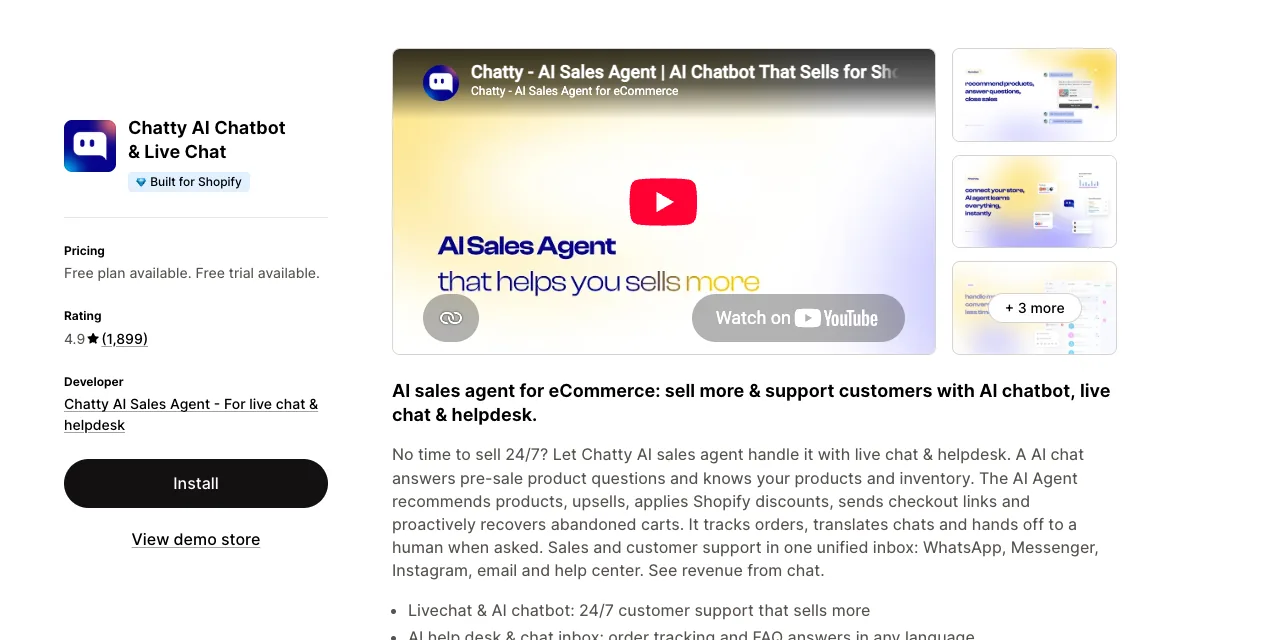
Chatty, the AI sales agent for Shopify stores, solves this issue. It answers those questions the moment the shopper asks, then leads them to the right product and the cart. It helps shoppers in the search bar, on product pages, in chat and at the cart.
Four features do the work:
- A welcome message on the pages your ads point to asks each visitor what they need.
- From one detail, such as a size, Chatty recommends the product that fits and adds it to the cart from the chat.
- Discount codes and shipping quotes in the chat, once you turn them on, keep shoppers who stall on price or delivery.
- When a question needs a person, your team steps into the same chat.
Gadcet UK sells phones and runs trade-ins, and it used Chatty to value trade-ins and explain monthly payments before the sale. From July 2025 to March 2026, that brought Gadcet UK $112,000 in assisted revenue at a $357 average order value.
You can wait if your shoppers rarely ask anything before they buy.
Price: The free plan covers 50 AI conversations a month, and paid plans start at $19.99 a month.
Chatty is the app we build, so weigh this section with that in mind.
2. PageFly
PageFly builds landing, product and collection pages by drag and drop, so each ad can land on a page that matches its promise. That matters because a shopper who clicks an ad for one product and lands on your homepage has to search for it again.
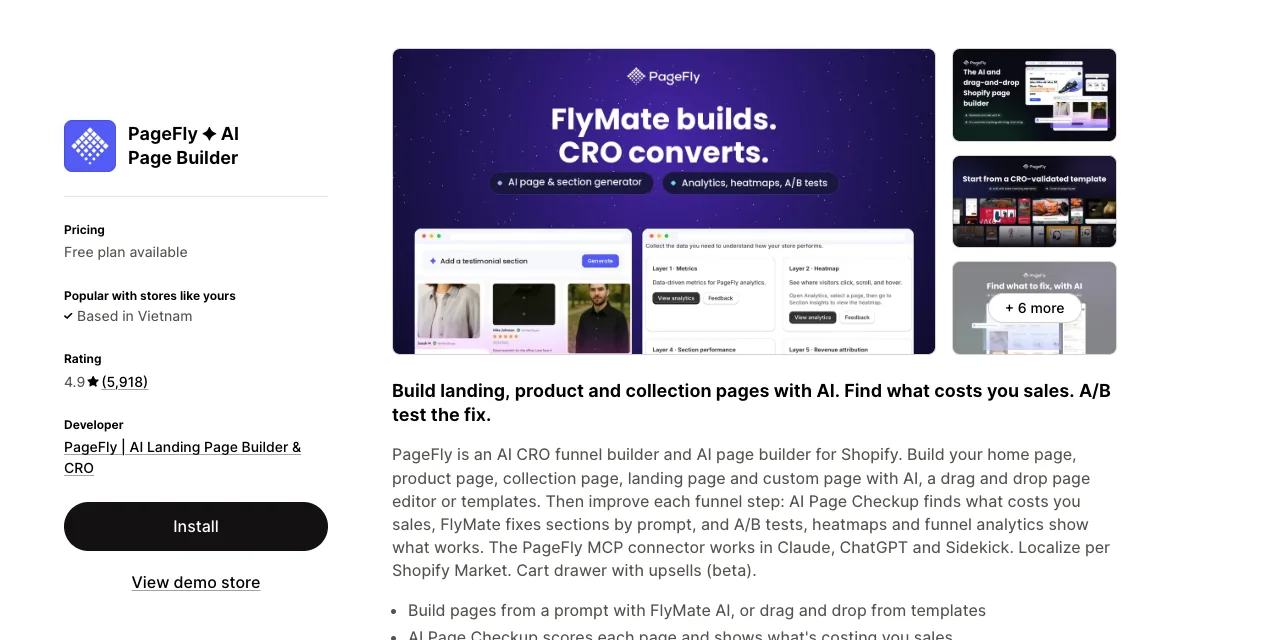
The feature worth paying for is reusable sections. You build a block once, such as a size guide or a comparison table, and drop it into many pages or theme templates. You can also lay out the mobile version separately from desktop.
Paintavie, a US store, wrote in September 2026: "One of my favorite features is Sections that can be reused across multiple pages."
Know the exit cost before you build. PageFly's uninstall guide says your PageFly data and published content "will be permanently deleted and cannot be recovered, even if you reinstall the app."
Exports come only in PageFly's own format, so leaving means rebuilding every page in your theme first. Clean Eatz Kitchen, a US store, found in April 2026 that the cleanup also took pages it had rebuilt natively, because they started in PageFly. Downgrading to the free plan keeps one page live, which is the softer exit.
Skip it if your theme's sections already cover your layouts, or if you might switch builders within a year.
Price: Free for one published slot, meaning one page or one section. Builder starts at $24 a month for five slots, and A/B tests start on Optimize at $39, according to PageFly's pricing guide. A section placed in a theme template uses a slot, just like a page.
Overlaps with: Shopify's own theme editor, which already builds pages from sections and templates. PageFly also lists a cart drawer with upsells (in beta), which does part of Upsell.com's job. Publish only the pages your ads use, and see these conversion rate tools when you want to test which version sells more.
Which essential Shopify apps make each order bigger?
ReConvert (now Upsell.com) and Hextom's Free Shipping Bar are the essential Shopify apps for bigger orders. Upsell.com adds a one-click offer after payment, and the shipping bar shows shoppers how close they are to free delivery. Both start free and cost $9.99 a month on their first paid plan, according to their listings.
Start with these two:
3. ReConvert (now Upsell.com)
ReConvert, now called Upsell.com, shows a one-click offer right after payment, before the thank you page. The shopper accepts it without entering card details again, so a refill or accessory joins the order with no extra step.
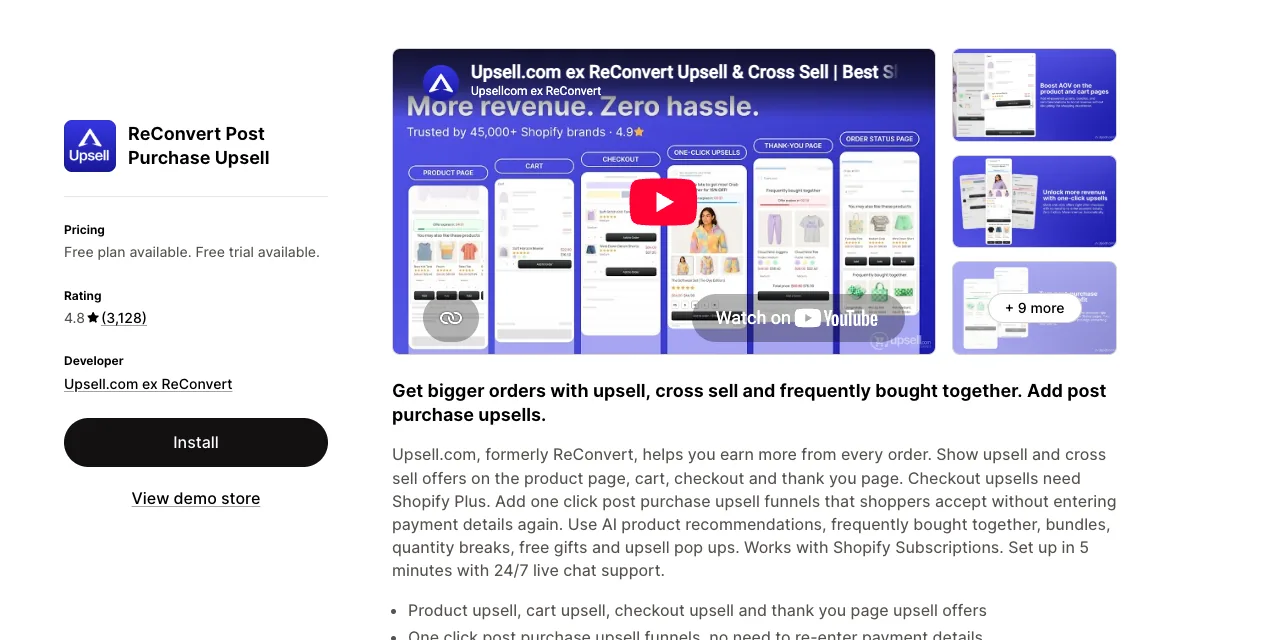
The useful part is how fast you can test offers. An AI setup builds a set of upsell campaigns for you, and A/B testing compares them on real orders. Crumble Cookware, an Australian store, wrote in September 2026 that "the A/B testing feature is especially helpful for testing different strategies."
Read the billing rule before you install. Upsell.com's pricing article bases the plan on the higher of two 30-day numbers: total store orders or upsell revenue. So a store with 300 orders a month pays the 201 to 500 tier, even if upsells produced five orders.
That rule drives most complaints: billing came up in 18 of the 30 newest low reviews we read. TEKVIYON, a US store, wrote in October 2026: "I have made 1200 sales this month - this app only generated 40. Yet they charged me for $150."
The post-purchase page also skips many buyers. The limitations article says it doesn't show for Apple Pay, Google Pay, Klarna, Afterpay or other non-card payments. It also skips orders with duties or several currencies.
Skip it if most buyers pay with wallets or buy now, pay later, or if you run many low-value orders.
Price: Free up to 50 orders or $50 in upsell revenue. Paid plans start at $9.99 a month for 51 to 100 orders, according to the Shopify listing. The app's own pricing page and help center show different tiers, so check the plan shown when you install.
Overlaps with: PageFly's cart drawer upsells, if you already use PageFly. Checkout upsells need Shopify Plus, so most stores use the product page, cart and thank you page offers.
4. Hextom
Hextom's Free Shipping Bar shows shoppers how far they are from free shipping and updates as they add items. A shopper who is a few dollars short gets a clear reason to add one more item. That makes it one of the cheapest ways to lift order value.
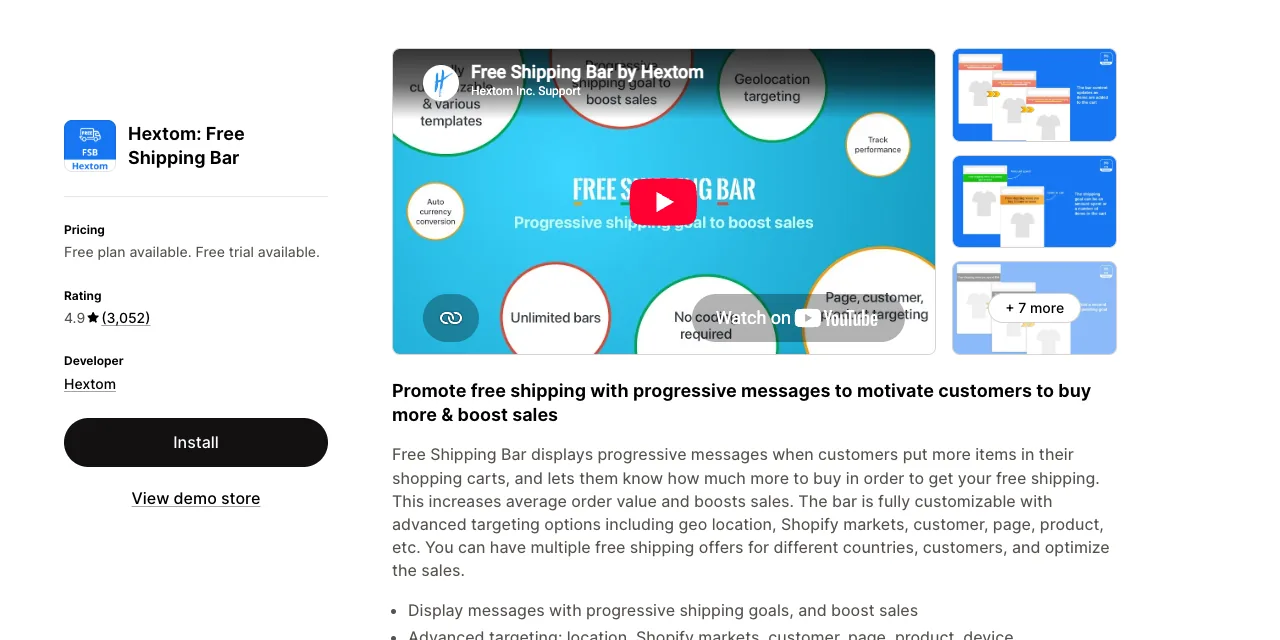
Targeting is what you pay for. Premium runs several bars at once, with a different threshold per country or Shopify Market, and converts the amount into the shopper's currency. Outsider Supply, a US store that had just gone international, wrote in August 2026: "45 minutes later, it's live in many countries."
The bar doesn't give free shipping. Hextom's setup guide says the app "does not trigger or apply free shipping". You set the threshold in your Shopify shipping rates and again in the bar.
Keep the two numbers in sync, or the bar promises something checkout won't honor.
Discount codes entered at checkout are invisible to the bar, because Shopify doesn't let apps read the checkout page, as Hextom explains. Complaints are rare otherwise: 47 of its 3,052 reviews are 1 to 3 stars, and only two of those are from 2026.
Skip it if your theme's cart drawer already shows a free shipping progress bar, because two bars can show two different numbers.
Price: Basic is free for one bar. Premium costs $9.99 a month for unlimited bars, geo targeting and currency conversion, per the Hextom listing. There are no usage fees.
Overlaps with: A fixed free shipping line in your theme's announcement bar, or the progress bar built into some cart drawers. A fixed line shows the same text to every shopper, while the bar counts down from the cart total.
Which essential Shopify apps earn shoppers' trust?
Judge.me, Parcel Panel (now CWILL Order Tracking) and Return Prime are the essential Shopify apps for trust. Judge.me shows reviews before the purchase, CWILL keeps buyers informed while the order ships, and Return Prime makes returns and exchanges easy afterwards. Judge.me holds a 5.0 rating from more than 49,000 reviews on its Shopify listing.
One app handles each of those moments:
5. Judge.me
Judge.me emails buyers after their order ships or arrives to ask for a review, then shows stars, photos and videos on your product pages. Reviews matter because a first-time shopper has only your word that the product is good until other buyers say so.
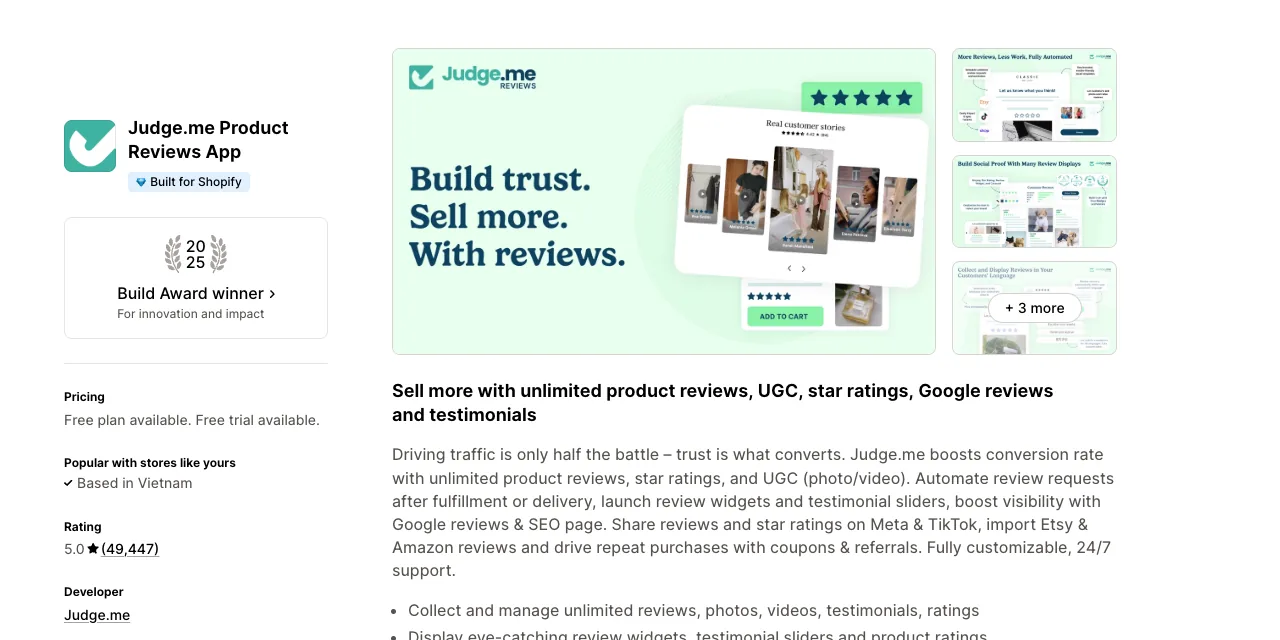
What stands out is how much the free plan covers. Forever Free includes unlimited reviews and review requests, photo and video reviews, Google rich snippets and imports from Etsy and Amazon. The Lemurian Rose, a US store, wrote in October 2026: "So far, I am on the free plan and loving it."
Google Shopping stars are the catch. Judge.me's Google Shopping guide says you need the Awesome plan and at least 50 eligible product reviews, and most imported reviews don't count. AgozTech, a US store, wrote in June 2026 that it was still short of 50 eligible reviews with "around 300 reviews from verified buyers."
Reviews sent to Google also stay there. The same guide says a review sent to Google's Merchant Center "cannot be deleted", and hidden or archived reviews are sent too. You can hide a review in Judge.me, but you can't edit what a customer wrote.
Skip it if you are migrating a large review base mainly to keep Google Shopping stars, because imported reviews may not qualify.
Price: Forever Free, or $15 a month flat for Awesome with no order or review limits. Awesome adds reminder emails, the Google Shopping feed and the Klaviyo integration, according to Judge.me's plans page.
Overlaps with: Joy Loyalty, if you run referrals. The Awesome plan includes coupons and referrals, and Joy runs a referral program too, so run referrals in one app.
6. Parcel Panel (now CWILL Order Tracking)
Parcel Panel, now listed as CWILL Order Tracking, gives shoppers a tracking page on your own domain and emails them when a parcel moves. That keeps "where is my order?" questions out of your inbox and keeps the shopper on your store, where the page can recommend products.
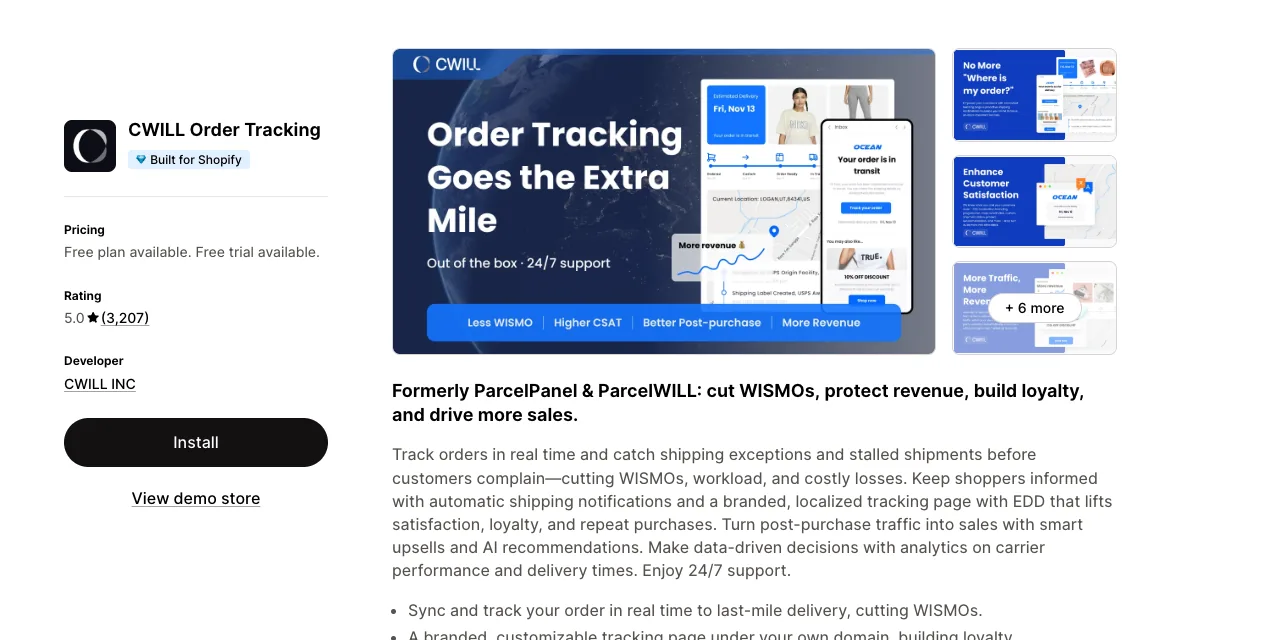
The tracking page is the best part. Order lookups are unlimited and don't use quota, according to CWILL's pricing doc. You can also add upsells and an estimated delivery date to the page.
TulipStuff, a US store, wrote in September 2026 that it likes "the product recommendations on the tracking page with smart upsells."
Three details are easy to miss. The free plan has the tracking page but no shipping notifications, which start on Essential. And if you cap overage charges, the spending limit doc says "your new orders won't be synced and tracked" once the quota runs out.
Stale tracking data is the main complaint, in about 10 of the roughly 30 low reviews in the app's history. Omega Walk, a Singapore store, wrote in September 2026 that tracking was often "two to three days behind" compared with 17TRACK.
Skip it if you need white-label pages or the Klaviyo integration but don't want the $59 Professional plan.
Price: Free for 20 orders a month, without notifications. Essential costs $11 a month for 200 orders, plus $0.05 per additional order quota, according to the CWILL listing. One order uses one quota, even with several shipments.
Overlaps with: No other tracking page on this list. Chatty can also answer "where is my order?" in chat, which works alongside a tracking page.
7. Return Prime
Return Prime gives shoppers a branded portal to request a return or exchange. Rules approve or reject requests by reason, product and return window. The point is to turn refunds into exchanges or store credit, so some of the sale stays with you.
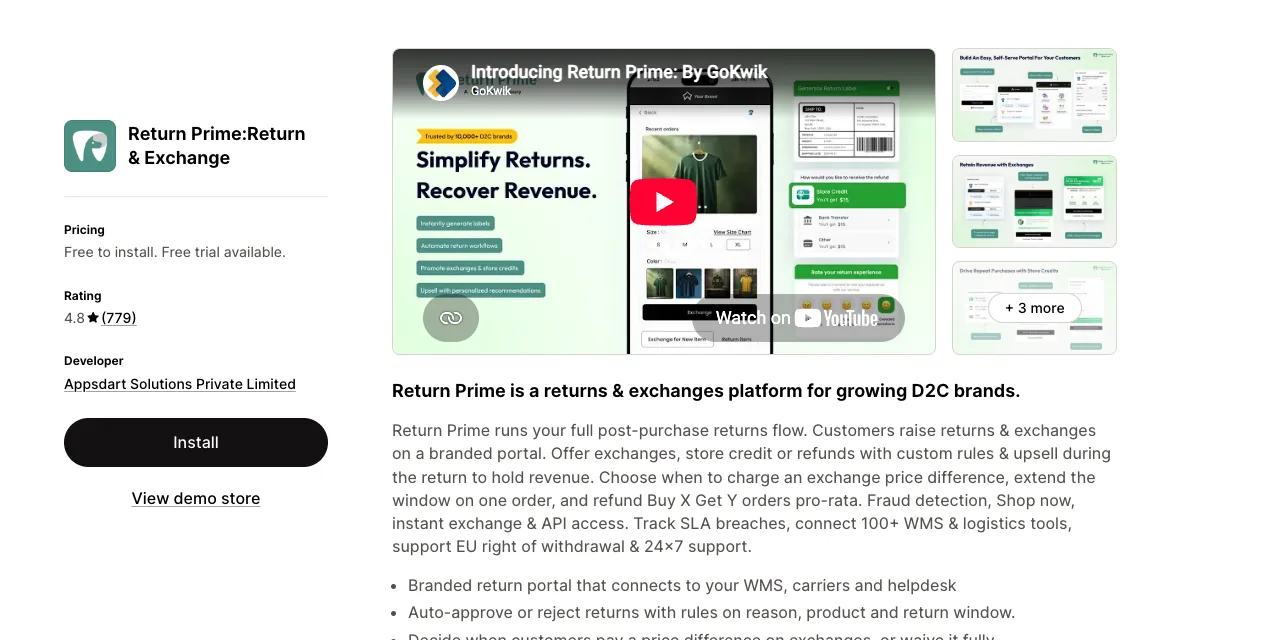
Exchanges are the strong part. Variant exchanges are on the free plan, and Grow adds storefront exchanges where the shopper picks anything in your catalog. Florence Swimwear, a US store, wrote in June 2026 that the free plan "gives us time to analyze customer return behavior and volume before upgrading."
The free plan also includes an EU-compliant withdrawal button, which EU sellers need from June 19, 2026.
Return fees run through a Shopify shipping rate you create with the same name, per Return Prime's fee setup guide. Futures Fins, an Australian store, wrote in March 2026 that "the app has added their own shipping rule to our cart". Place a normal test order after setup.
Test automation rules before you switch them on, because auto-refund rules act on existing requests. Support was the most common complaint, in about 7 of its 17 low reviews, so finish setup well before peak season.
Skip it if you only need a return request form, since Shopify's self-serve returns do that for free.
Price: Five free return requests a month. Grow costs $19.99 a month for 60 requests, plus $0.49 per extra request, according to the Return Prime listing. On Thrive AI the extra fee rises to $0.79.
Overlaps with: Shopify's self-serve returns, which let customers request a return from their order status page. Start there if you only need requests, and add Return Prime when you want exchanges and store credit.
Which essential Shopify apps turn buyers into repeat buyers?
Klaviyo or Omnisend, Joy Loyalty and Recharge are the essential Shopify apps for repeat buyers. Email brings shoppers back, a loyalty program gives them a reason to return, and subscriptions turn reorders into a schedule. Pick one email app, since Klaviyo and Omnisend do the same job.
Four apps cover this job, and you need only one of the first two:
8. Klaviyo
Klaviyo sends the emails and texts that bring shoppers back, such as abandoned cart reminders, welcome series and post-purchase follow-ups. It builds segments from your Shopify order data, and for most stores these flows are the cheapest repeat revenue there is.
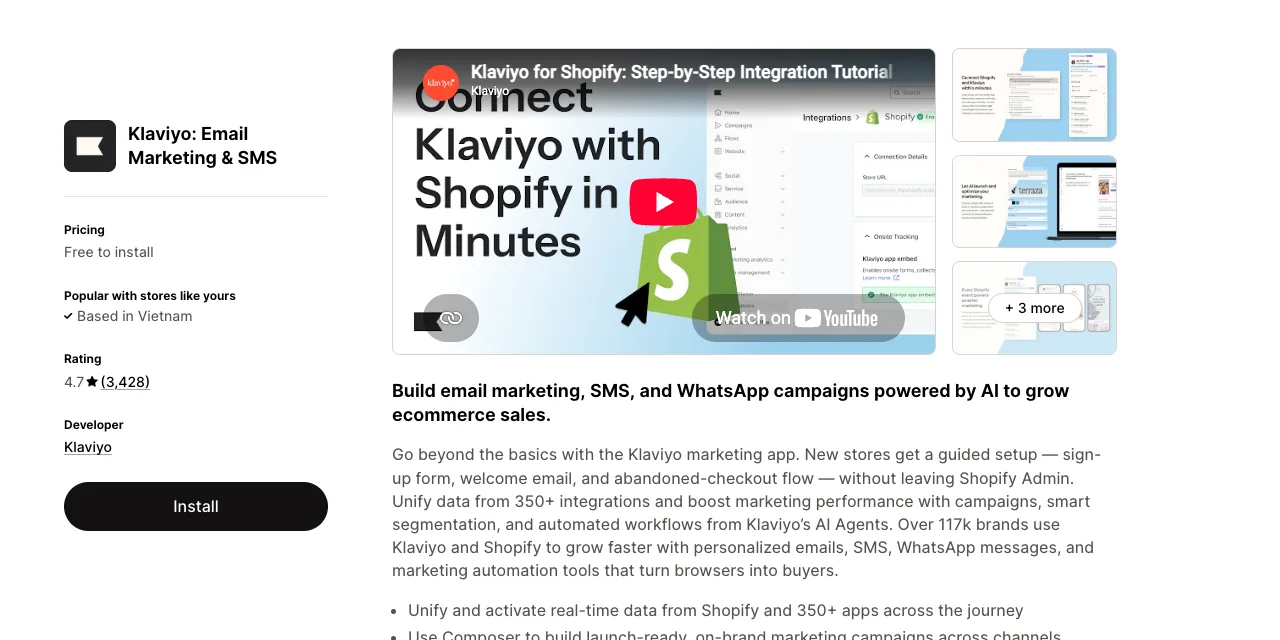
Flows are where Klaviyo earns its fee. Coast and Trail, a US store, wrote in October 2026: "We've already recovered numerous abandoned carts. Sign-ups have increased." Even happy users say it takes time to learn, and Klaviyo's free training webinars help.
Klaviyo bills on active profiles, meaning anyone who can receive email, not people who opened recently. Klaviyo's billing FAQ says your plan "automatically upgrades" when you pass your tier. It steps down only if you pick a lower plan or turn on auto-downgrade.
Bots make this worse, because fake sign-ups and abandoned checkouts become profiles. Fancy Steel, an Australian store, wrote in October 2026 that profiles "jumped to around 65,000", which led to "a charge of over $900 USD". Billing was the top theme in the 30 newest low reviews we read, at about 10.
Uninstalling the Shopify app doesn't close the Klaviyo account, so downgrade or close it at klaviyo.com when you leave.
Skip it if you want human support on a free plan, since Klaviyo's free plan gets email support only for the first 60 days.
Price: Free for 250 active profiles and 500 emails a month. Paid email starts at $20 a month for 251 to 500 profiles, and SMS starts at $15 a month, according to the Klaviyo listing.
Overlaps with: Omnisend. Most other apps on this list connect to Klaviyo, including Judge.me, Joy and Shopify Flow, according to their listings.
Chatty also sends its contacts to Klaviyo. That makes Klaviyo the safe default.
9. Omnisend
Omnisend does the same job as Klaviyo, with email, SMS, web push and popups, plus ready-made welcome and abandoned cart automations. Pick it when you want simpler building and a person to talk to, and don't run it alongside Klaviyo.
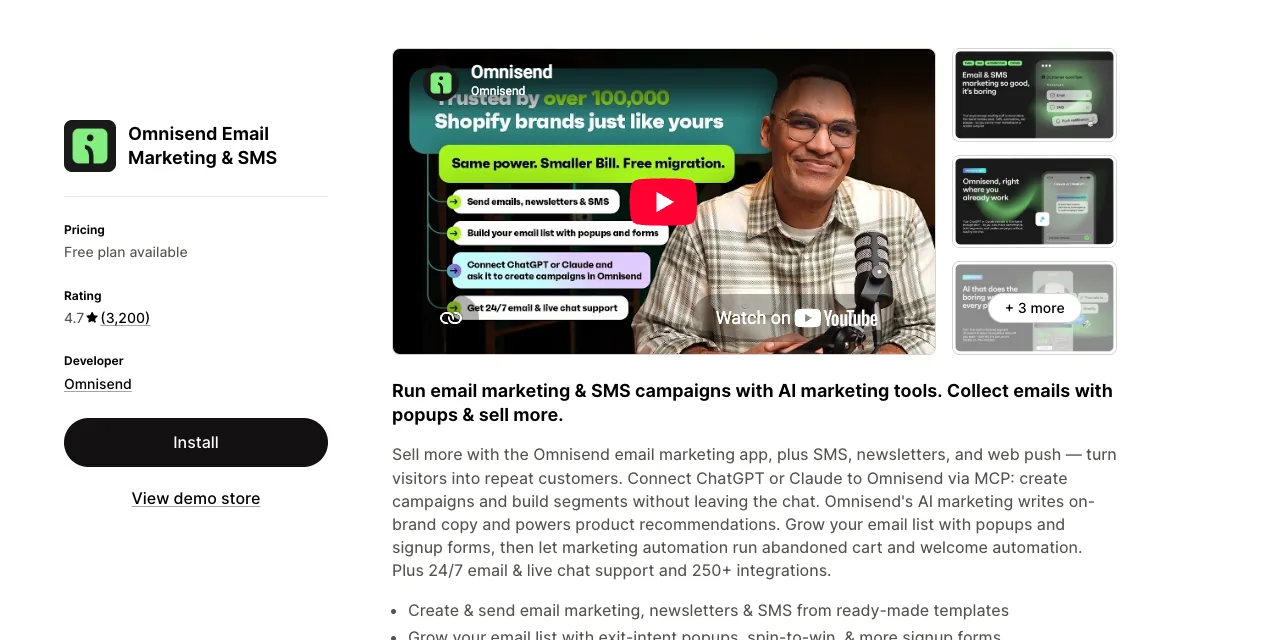
Support is the clearest difference, since the listing promises 24/7 live support even on the free plan. Several 2026 reviewers moved over from Klaviyo with migration help. Hari And The Gang, a UK store, wrote in September 2026 that "Omnisend migrated us over so we didn't need to do anything at all."
Billing counts subscribers plus non-subscribers, meaning shoppers who ordered or abandoned a cart without opting in, per Omnisend's billing guide. SMS needs the Pro plan for anyone who started a paid plan on or after May 4, 2026.
Omnisend can also pause stores with no orders or no public launch, per its sending guide. About 7 of the 30 newest low reviews describe accounts blocked before a single send. Uninstalling the app triggers account deletion in 16 days, per Omnisend's cancel guide.
Skip it if your store hasn't launched yet, or if you want SMS on a small email plan.
Price: Free for up to 250 contacts and 500 emails a month. Standard starts at $16 a month for 500 contacts and rises with your list. Pro starts at $59 for 2,500 contacts with unlimited emails, per Omnisend's pricing guide.
Overlaps with: Klaviyo.
10. Joy Loyalty
Joy runs a points, rewards and referral program, so a buyer has a reason to come back and to bring a friend. Points can be redeemed in the cart, at checkout and on POS. Joy is made by the team that builds Chatty.
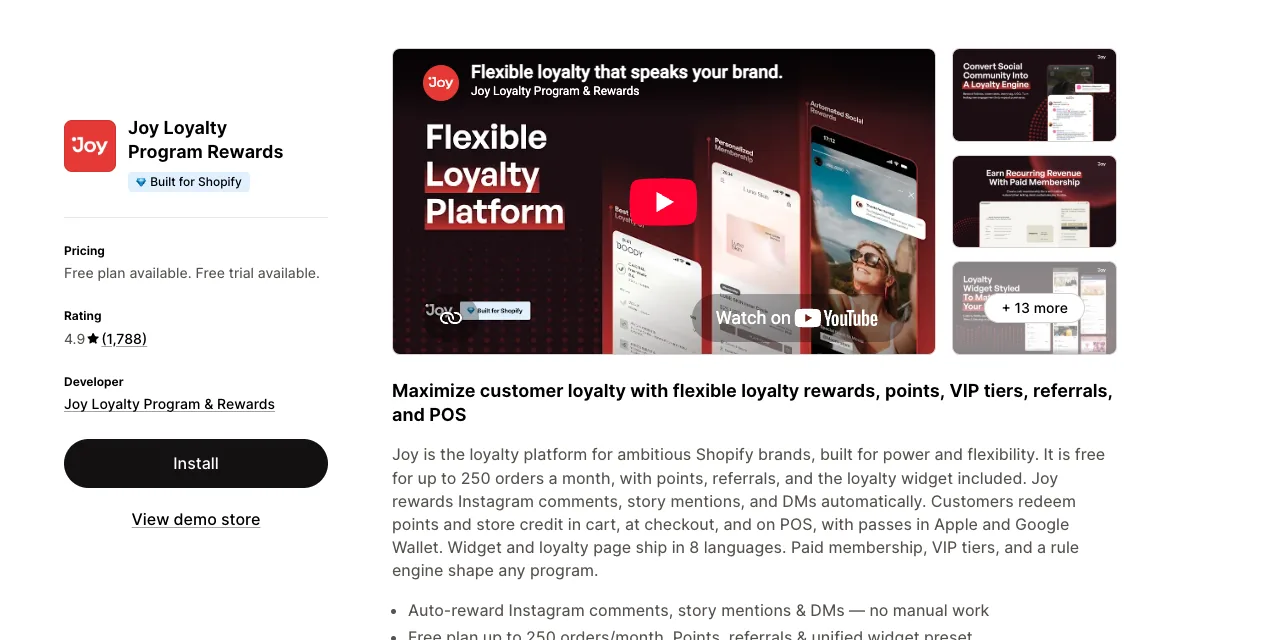
The free plan covers a small store well: points, referrals with fraud prevention, the widget and reward emails for up to 250 orders a month. Joy also moves points and tiers from Smile, Yotpo, Stamped, Rivo and LoyaltyLion for free, according to Joy's pricing page.
Treasure Chest Games, a US store, wrote in July 2026 that the POS integration "makes it very easy for my employees to redeem rewards."
The headline features sit on higher plans. VIP tiers, POS loyalty, wallet passes and Instagram rewards start on Advanced at $129 a month. Letting shoppers combine points with other discounts needs a paid plan, per Joy's discount guide.
Past 250 orders on the free plan, the program stops until you upgrade, because Starter has no usage fee. Above about 1,100 orders a month, Advanced costs less than Essential with overage. Three of its 31 low reviews say staff edited the theme and broke it, so give access to a duplicate theme.
Skip it if you only need a simple "spend X, get Y" offer, which Shopify discounts handle without an app.
Price: Free for up to 250 orders a month. Essential costs $29 a month for 500 orders, then $15 per extra 100. Advanced costs $129 for 2,000 orders, according to the Joy listing.
Overlaps with: Judge.me's referrals on its Awesome plan. Run referrals in one of the two.
11. Recharge
Recharge turns products people run out of into subscriptions that renew on their own, with a portal where customers skip, swap or reschedule. For a coffee, skincare or pet food brand, that turns the second and third order into a schedule instead of a reminder.
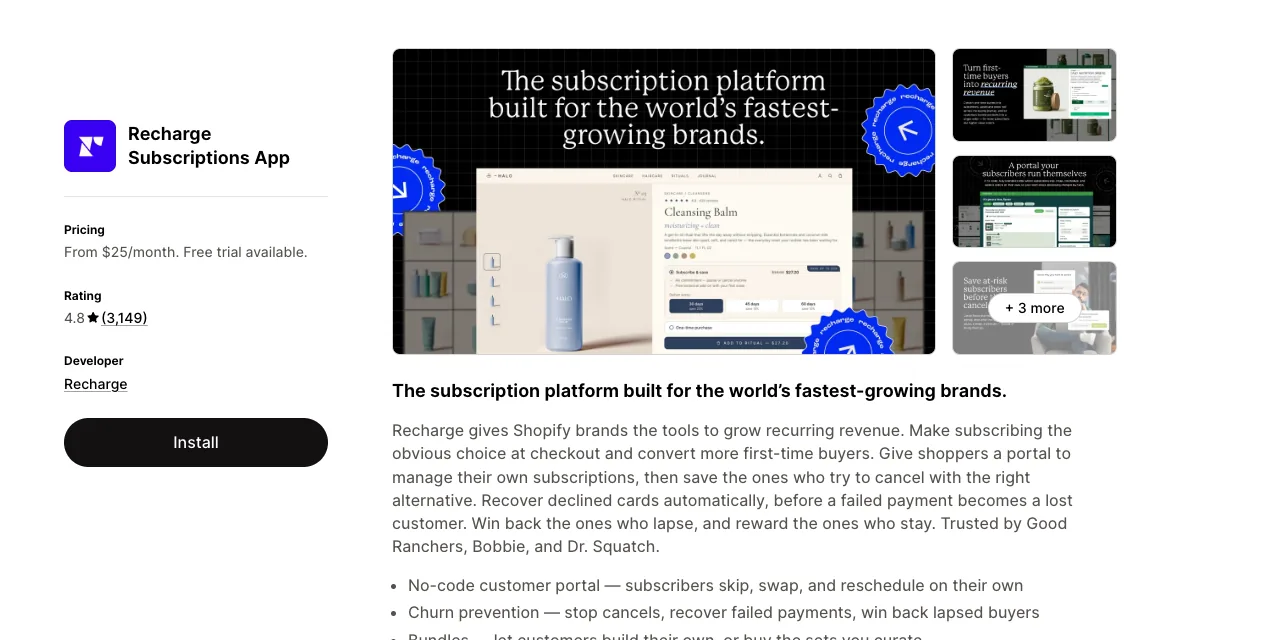
Its retention tools are the reason to pay. Failed payment recovery adjusts retry timing to the error type. Cancellation flows offer a discount, swap or delay before someone leaves, per Recharge's cancellation guide.
CurraNZ, a New Zealand store, wrote in October 2026: "we've used it for many years and wouldn't be without it."
Fees add up faster than the headline rate suggests. Recharge's billing article says the transaction fee is calculated on the total processed amount, "including shipping, taxes, and refunded orders". The 50 subscribers on the $25 plan are a lifetime count that includes test customers, and passing it moves you to Starter for good.
Plus plans run on 12-month terms, which explains reviews about refused cancellations. 8 Billion Trees, a US store, wrote in March 2026 that "their fees amount to over 10% of our recurring revenue". Support was the most common theme in the 30 newest low reviews, at about 16.
Skip it if you are testing subscriptions on a few products, because Shopify's own Subscriptions app is free.
Price: No free plan. The $25 plan covers your first 50 subscribers with no transaction fees, for stores that install on or after February 9, 2026. Starter costs $99 a month plus 1.49% and 19¢ per transaction, according to the Recharge listing, charged on the total amount processed.
Overlaps with: Shopify Subscriptions, Shopify's own subscription app, which has a free plan. Try it first if your subscription offer is simple.
Which essential Shopify apps cut manual work?
Shopify Flow and Matrixify are the essential Shopify apps for cutting manual work. Flow runs repeat tasks on orders, stock and customers, and Matrixify edits products, prices and other data in bulk from a spreadsheet. Shopify Flow is free and holds a 4.7 rating from more than 15,000 reviews on its Shopify listing.
Both save hours rather than add orders:
12. Shopify Flow
Shopify Flow is Shopify's free automation app: when something happens in your store, it runs the steps you set. It matters because repeat jobs, such as tagging orders and checking risky ones, eat hours that grow with every new order.
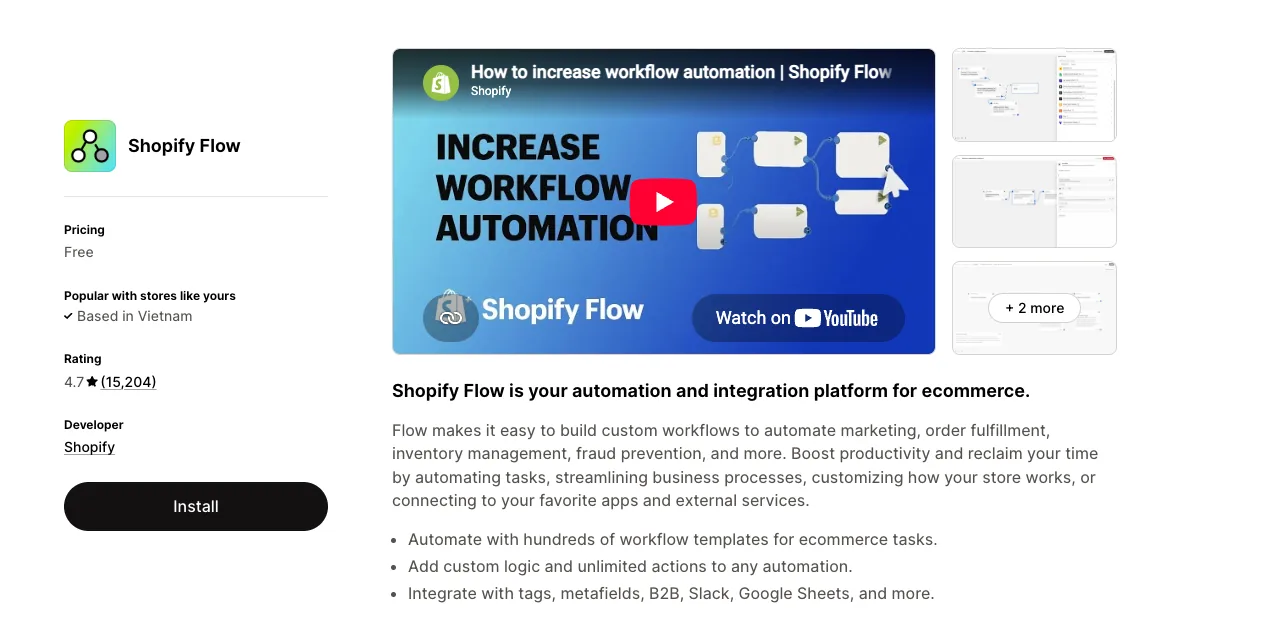
Three workflows from Shopify's template examples earn their place in most stores:
- Capture payment only when an order isn't high-risk, or cancel and restock high-risk orders.
- Get an alert when stock runs low, or hide a product when it sells out.
- Every day, tag orders that haven't shipped in two days and send yourself a summary.
Saturn Press Wholesale, a US store, wrote in October 2026: "Addition of Sidekick makes this tool very useful for simple automations."
Flow has limits that show up later. On the Basic plan you can't use the Send HTTP Request action, so no webhooks to outside tools, per Shopify's Flow guide. "Get data" actions stop at 100 items, and Flow reacts to new events, so it isn't a bulk editor for existing products.
The learning curve was the top theme in recent low reviews, in about 14 of the 55 with text.
Skip it if you need to change thousands of existing records at once, which is Matrixify's job.
Price: Free on every Shopify plan, though some actions depend on your plan.
Overlaps with: The automation built into other apps. Flow connects to tools such as Klaviyo, Slack and Google Sheets, so you can keep your rules in one place.
13. Matrixify
Matrixify exports your store data to a spreadsheet, lets you edit it, and imports it back field by field. It covers products, variants, metafields, customers, orders and redirects, which saves days on repricing, cleanups and moves from WooCommerce or Magento.
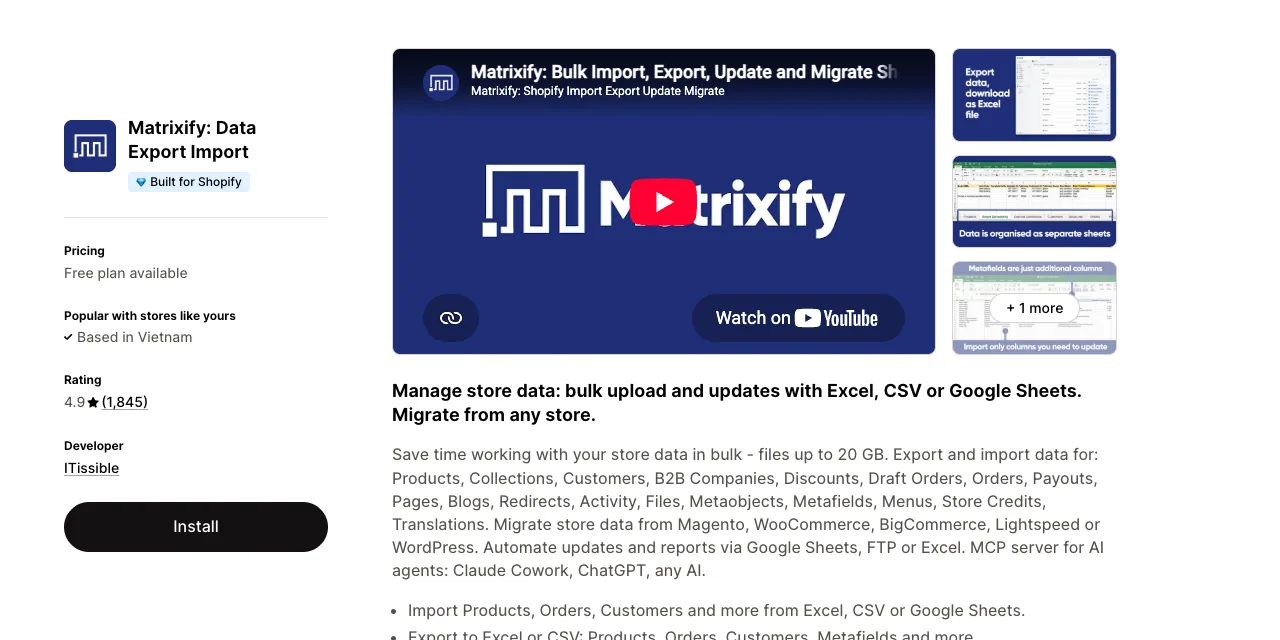
Its best trick is changing only the columns you edit while everything else stays put, plus a Dry Run that simulates an import first. Migrations keep original order dates and numbers and carry over redirects, per Matrixify's migration page. Mihodo, a US store, wrote in October 2026 that editing specific fields "while preserving everything else is invaluable."
Matrixify's command guide warns that REPLACE rebuilds an item from your file, "resulting in losing all data that is not included in the import file". Use UPDATE or MERGE for price edits.
Billing is the top complaint, in about 13 of the 30 newest low reviews, mostly charges after uninstalling or plans too small for the file. Haris N Tehzeeb, a UK store, paid $20 and wrote in September 2026 that the app then asked for "a plan costing approximately $100".
Limits are per file and billing is prorated, so size the plan to your largest file, buy one month for a one-off job, then uninstall.
Skip it if your catalog is a few hundred products and Shopify's native CSV import covers your edits.
Price: A free demo plan handles 10 items per file. Basic costs $20 a month for files up to 5,000 products, and Big costs $50 for up to 50,000, according to Matrixify's pricing page.
Overlaps with: Shopify's product CSV import, which takes files up to 15 MB.
How do you avoid paying for essential Shopify apps you don't need?
You avoid paying for essential Shopify apps you don't need by giving each job one app and adding apps one at a time. Then check each charge in Shopify. One merchant on the Shopify Community put the problem plainly: they were "paying suite prices for single features."
Speed is the other cost. One developer ran 5,991 Shopify stores through PageSpeed and shared the results on the Shopify Community.
Stores with 0 to 2 apps scored 20 points higher on mobile than stores with 10 or more apps. That's a correlation, but it's reason enough to add apps with care.
Four checks keep your app bill and your store lean:
- One app per job. Read the overlaps above before you install, so you never run two apps for referrals or email.
- One app at a time. Test your page speed before and after each new app, and remove any app that slows pages without earning its place.
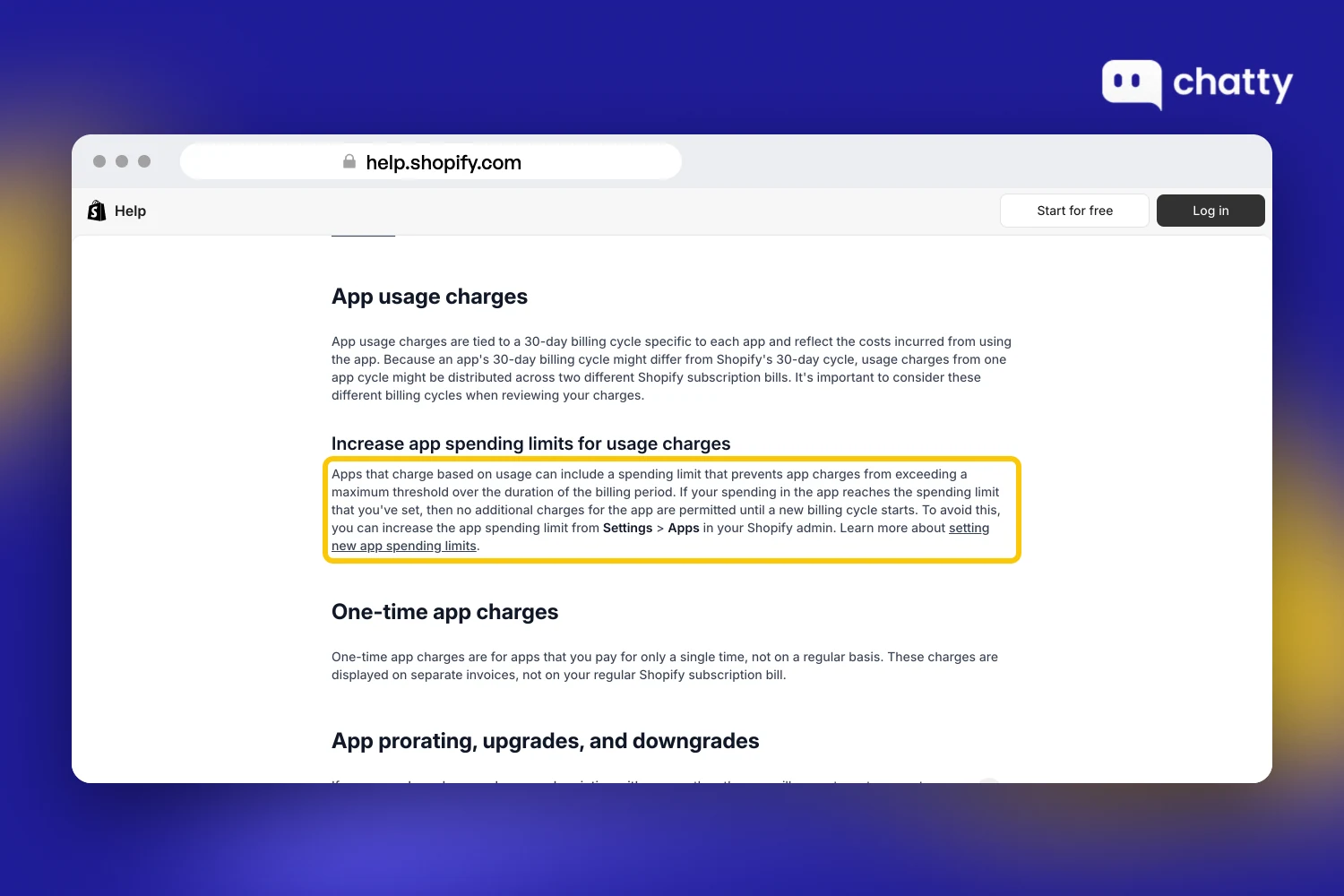
- Charges in Settings > Billing. Shopify lists each app's charges there, and usage-based apps can set a spending limit, according to Shopify's billing help.
- Cleanup after you uninstall. Some apps add theme code that isn't removed when you uninstall them, as Shopify's uninstall guide warns. Check the app's listing for extra steps.
To pick apps by your store's weakest sales number, read the guide to the best Shopify apps to increase sales.
Start with the job that loses you the most orders today. If that's shoppers who ask a question and leave, try Chatty on your store and see which questions it answers first.
Frequently asked questions
The essential Shopify apps cover five jobs: more orders, bigger orders, trust, repeat buyers and less manual work. A common set is Chatty, the AI sales agent for Shopify, plus PageFly, Upsell.com, Judge.me, CWILL Order Tracking, Klaviyo, Joy Loyalty and Shopify Flow.
Recommended Shopify apps for almost every store are a review app, an email app and an automation tool. Each has a free plan and does a job every store has. Judge.me, Klaviyo and Shopify Flow fit those three jobs.
A Shopify store should have one app per job it actually runs. StoreCensus counts an average of 2.9 apps per store, and 18% of stores run no third-party apps at all. Fewer apps mean fewer bills and less code on your pages.
Free plans are enough to start most jobs on this list. They usually cap orders, contacts or requests, so the bill starts when your store passes those caps. Shopify Flow is free outright, while Recharge has no free plan.
Shopify apps can slow down your store when they load scripts on every page. Add apps one at a time and test your page speed before and after. Remove any app that slows pages without doing a job you need.
Uninstalling a Shopify app stops its future billing, but some apps leave code in your theme. Check the app's listing or ask its developer about extra removal steps, then review your theme's app embeds in the theme editor.